
 €2.99
€2.99
€2.99
€2.99
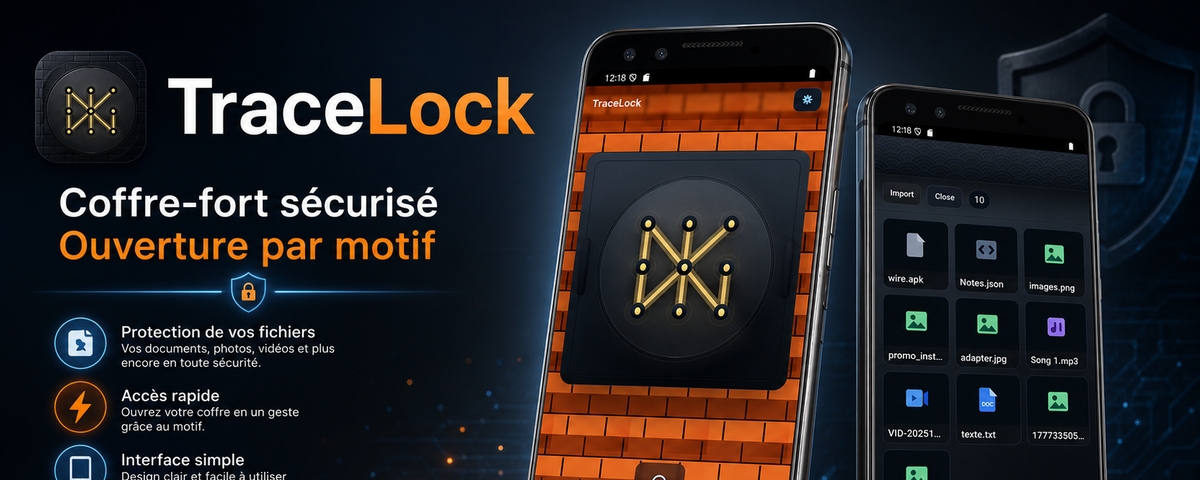 Free
Free
Unlock your digital vault with a simple gesture. Keep your files and notes secure, 100% offline, with no cloud storage.
✓ Ad-free and tracker-free
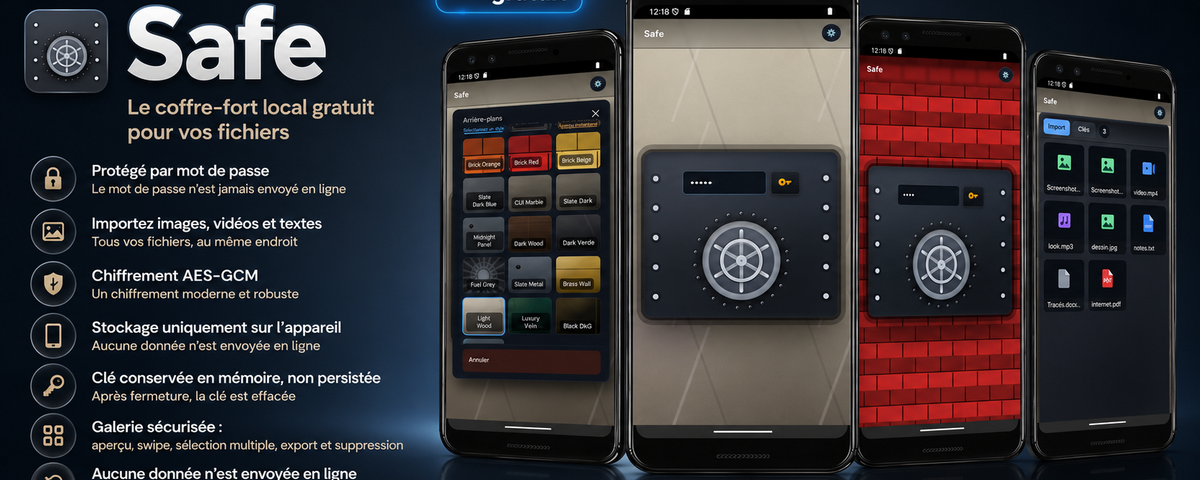 Free
Free
Import your files and they're encrypted with AES-GCM, protected by your password. Key kept in memory only, 100% offline, with no cloud storage.
✓ Ad-free and tracker-free
 €2.99
€2.99
 €2.99
€2.99
 Free
Free
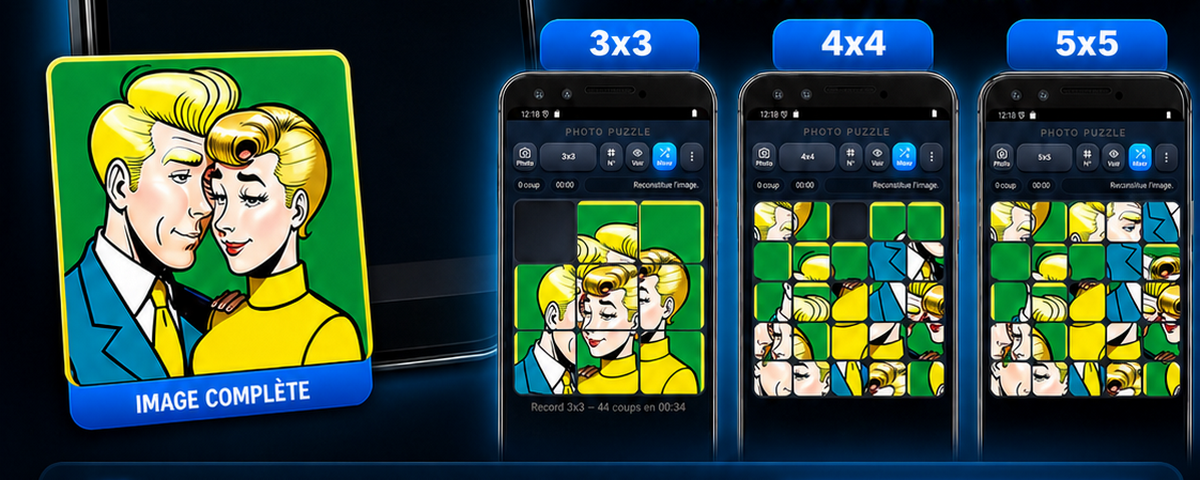
Import a photo from your phone, split it into tiles, then put the image back together like a real puzzle. Choose your level: 3x3, 4x4, or 5x5.
✓ Ad-free and tracker-free
Tap “Download” on the app of your choice. The file will appear in your Downloads folder, just like any other document.
Open the file. Android will ask you to allow your browser to install apps. Accept—it is a simple confirmation that you can reverse at any time.
Tap “Install.” The app will appear on your home screen and work entirely offline. No account is required.
A message from the developer
Appyboom is developed by one person. No investors, no ads, and no data being sold: donations are the project’s only source of funding. Every contribution, no matter how small, truly makes a difference. Thank you 🙏
Join the people who already support the project.
Secure payment via PayPal · No Appyboom account · No commitment